BUBBLES: How can I add images on my mobile phones?
Uploading images to your BUBBLE via your mobile phone works exactly the same as when doing it fromy our computer. View instructions here.
But you can also take a photo with your mobile phone and upload it directly to your BUBBLE.
1) Go to the mobile Version of SHOE to the BUBBLES page.
2) Click into the text area and write your BUBBLE
3) Instead of selecting an existing image from album, you can take a new picture directly with your phone.
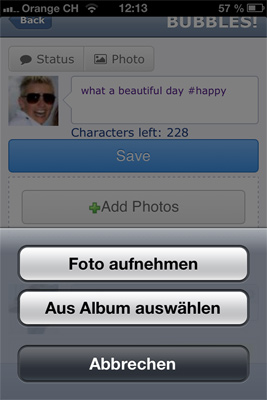
4) Take the photo and then click on "use image" (or whatever it might say in your language)

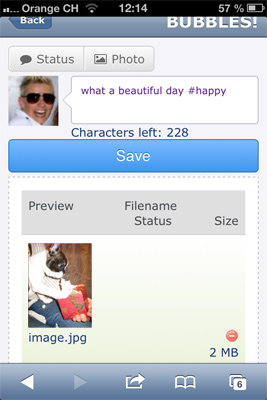
5) Make sure to save it and voila ;-)